


South Korea runs on apps. Locals order dinner, hail taxis, book restaurants, and pay for almost everything on their phones. Most of that happens on Korea’s own platforms, not the global apps you already use: KakaoTalk instead of WhatsApp, Naver Map instead of Google Maps, Baemin instead of Uber Eats. And many of them were built around a Korean phone number and a Korean bank card.
That last part is changing fast. In 2026 alone, Korea’s biggest delivery app switched to English, Naver began accepting foreign passports for verification, and the national rail app was rebuilt from scratch.
This is our updated 2026 shortlist for travelers, expats, and long-stay visitors.
Set Up Mobile Data Before Using These Apps
Travelers who want mobile data ready for Korea can consider a travel eSIM if their device supports eSIM use. Many travel eSIM services allow users to choose a South Korea data plan, install the eSIM through a QR code or app setup, and activate service after arrival. This can help travelers use maps, taxi apps, translation tools, food delivery apps, and app-based messaging during the first few days in Korea.
1. KakaoTalk Messenger (App Store | Google Play)

KakaoTalk is THE messaging app in South Korea. Out of the 11 apps listed in this article, this one is arguably the most essential if you plan on living in South Korea for any length of time. Landlords, coworkers, Airbnb hosts, hagwon directors, and your Korean friends will all expect you to have it. If you only install one app from this list, make it this one.
KakaoTalk has all the features of any other messaging app you’ve probably used so far: send/receive messages, create group chats, share photos, videos, and your location. Whether for work or play, you’ll likely use KakaoTalk daily if you live in Korea.
KakaoTalk also links to KakaoMap, Kakao T and other Kakao services, so one account goes a long way. To learn more about the features of KakaoTalk and how to use the app, visit “What is KaKaoTalk? The Complete 2021 Guide“.
2. TranslateSwift (Website)
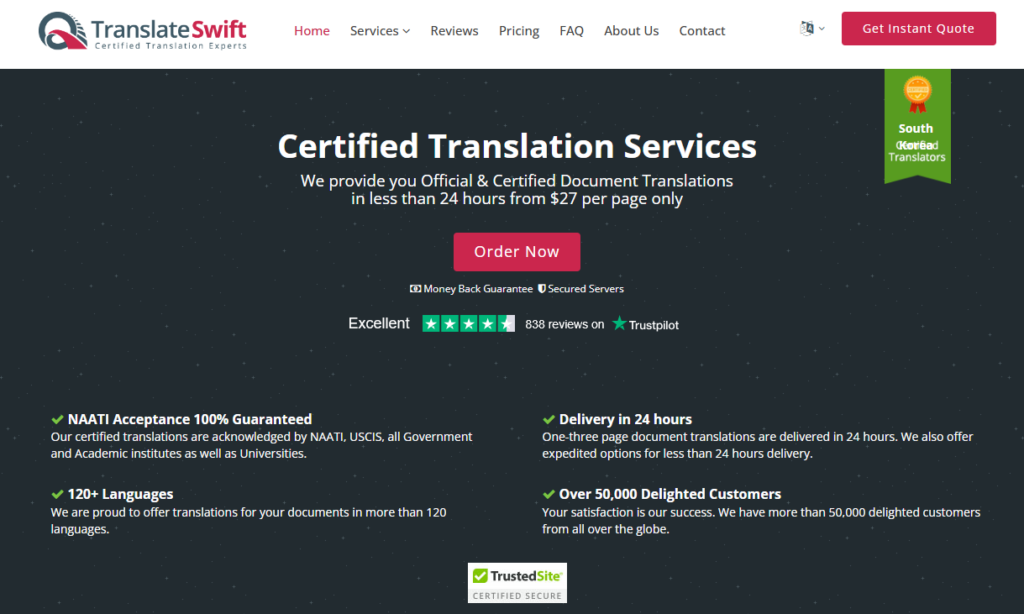
Translation apps are perfect for menus and quick chats, but sooner or later, traveling or living in Korea means paperwork that needs an official translation. TranslateSwift is an online certified translation service that uses professional human translators, and it’s built for exactly those moments: visas, residency, university applications, and legal matters.
Expats tend to need it at the biggest milestones. You might need to translate your marriage certificate for a spouse visa back home, or get your Korean diploma or transcript ready for a university abroad. It covers more than 120 languages and has certification options for the US (USCIS), Australia (NAATI), and Canada, and it’s a corporate member of the American Translators Association.
There’s no app to download, and you don’t need one. Snap a clear photo of your document and upload it from your phone’s browser. Then, choose your preferred language to proceed. It’s that easy!
3. Papago (App Store | Google Play)
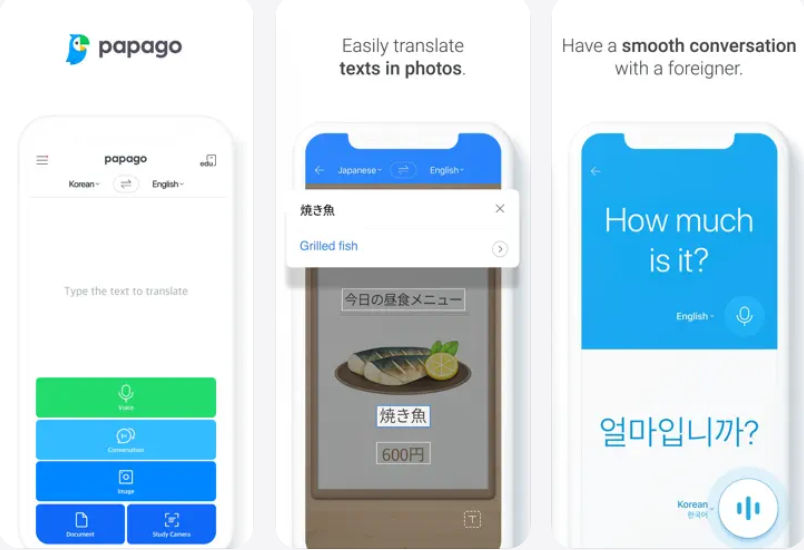
Papago is Naver’s translation app, and it handles Korean better than most global translators because it was built with Korean in mind. Point your camera at a menu, a utility bill or a pharmacy label and it translates the text in place.
Papago covers about 14 languages. For a second opinion on a tricky phrase, also install Naver Dictionary. It shows several meanings with example sentences and audio pronunciation, which helps if you are learning Korean rather than just translating.
4. Subway Korea (App Store | Google Play)

South Korea’s subway system is top-notch and easy to navigate, but the Subway Korea app makes things even easier. Available in English and Korean, this app provides information for every major subway system in the country.
The Subway Korea app also helps you find the quickest route to your destination with minimal transfers: when the next train will arrive, the first and last trains for each day, and which car is most convenient if you have to transfer during your commute.
5. KakaoBus (App Store | Google Play)

Buses can feel harder than the subway at first, but once you know your neighborhood, they are often faster. KakaoBus tracks buses nationwide in real time, shows arrival times at your stop, and lets you set an alarm for routes you ride every day so you are not standing at the stop longer than you need to be.
Kakao Bus keeps track of buses in over 57 South Korean metropolitan areas.
6. KakaoMap (App Store | Google Play)

KakaoMap is the other major Korean map and a strong backup when Naver Map (App Store/Google Play) cannot find a place. It offers walking, transit, driving, and cycling routes, shows buses and subway trains moving on the map in real time, and ranks popular restaurants near you. It also opens instantly when a Korean friend sends you a KakaoMap link in KakaoTalk.
7. KakaoTaxi (App Store | Google Play)

South Korea has an abundance of taxis, so it’s usually easy to hail one, but during busier times or late at night, things can be more complicated, so you can benefit from having KakaoTaxi (KakaoT).
KakaoT is Uber’s Korean counterpart, but this app will bring you a licensed taxi without the extra fees associated with using a call service. Like Uber, KakaoT tracks your current location and hail a cab nearby.
Just type in your destination as Kakao Taxi is available in English, but just note that some drivers may call for confirmation, if they cannot see you, etc.
KakaoT also allows you to send the taxi’s license plate number, departure time, and expected arrival time to contacts, friends, and family members.
8. Shuttle Delivery (App Store | Google Play)

Shuttle Delivery is the holy grail of apps for English speakers who want food delivery, with a wide range of restaurants available using the service.
Use this link to sign up and get 4,000 KRW off your first order!
For more food delivery apps, check out our guide on food delivery apps for foreigners in Korea and how to use them.
9. Air Visual Air Quality (App Store | Google Play)

Fine dust in Korea is no joke, especially at certain times of the year. Air Visual Air Quality allows you to monitor the air quality wherever you are on the peninsula, so you can adjust your commute or outdoor plans.
This app also sends you alerts if the fine dust in your location reaches dangerous levels. Misae Misae (App Store/Google Play) is another quality option.
To learn more about protecting yourself from fine dust, see 10 Ways to Protect Yourself from Pollution | Yellow Dust in Korea.
10. Korail+ (App Store | Google Play)


Korail+ is the official app for booking train tickets in Korea. It replaced KorailTalk on August 3, 2026, after Korail merged with SR, the operator of the SRT. If you already had KorailTalk, an update turns it into Korail+.
Korail+ supports several languages for foreign travelers. Visitors can also buy the Korail Pass, an unlimited-travel pass sold only to foreigners, and reserve seats with it. If a foreign card fails in the app, try the Korail website instead.
For more information on Korail+ and South Korea’s train network, see “How to Travel by Train in Korea” .
11. Seoul Public Bike 서울자전거 따릉이 (Apple Store | Google Play)


If you live in or visit Seoul, the city’s public bikes are one of the cheapest ways to get around, and a great way to ride along the Han River. Stations are all over the city, so you can rent at one and return at another.
The app runs in English, Chinese, and Japanese. Tap the “Foreigner” option on the main screen to buy a voucher without signing up as a member; a one-hour voucher costs about 1,000 KRW, and you can pay with a foreign card. Return the bike before your time runs out to avoid overtime charges.
For more information on Seoul Bike (서울자전거 따릉이) and how to use it, see “How to Use The Seoul Citywide Bike Rental System“. Check out this Best Must-have Apps for Seoul in 2026 guide for more useful apps!








1 comment
Gette
Just spent 3 months there and about to return for 3 more: Papago & Converter (until you realize just dropping the last 3 “000” from the price in won gives you a quick rough estimate on the USD price – ^^)