
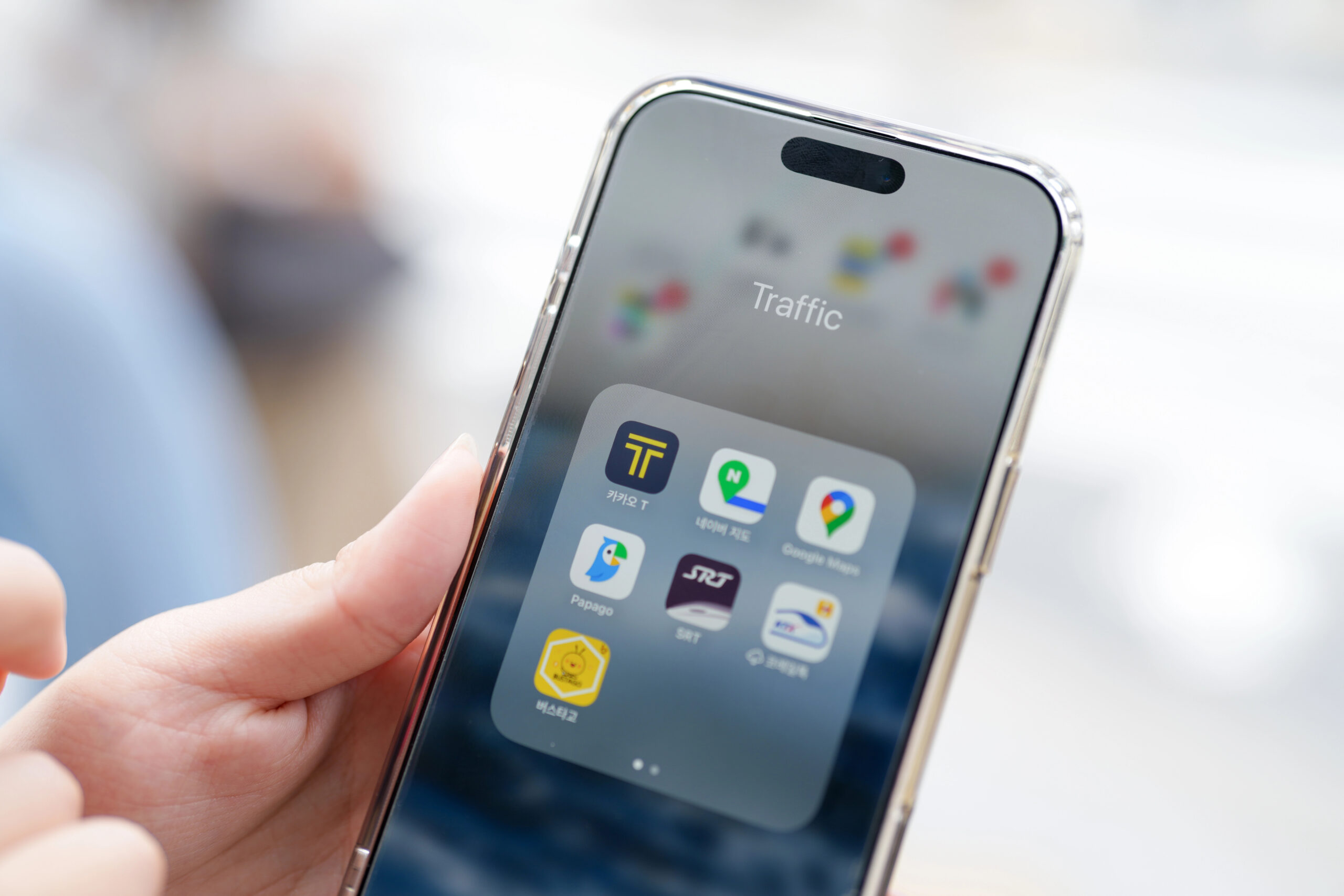

Planning a trip to Seoul? Between navigating the subway, ordering food, and getting around without speaking Korean, having the right apps on your phone makes all the difference. This guide lists the 2026 best apps for Seoul and the must‑have apps for tourists and expats.
Note: Looking for more? Check out our guides on learning Korean and how to set up a Naver account.
Best Navigation & Maps Apps for Seoul
Naver Maps (네이버 지도)
The first thing every Seoul first-timer learns: Google Maps doesn’t fully work in Korea. Due to government data-hosting regulations, Google Maps cannot provide driving directions, accurate walking routes, or real-time transit data in Korea , the features that make a maps app actually useful. Naver Map fills that gap completely. (to know more). Naver Map is generally what every local and long-term expat uses.
The app supports English, Korean, Japanese, and Chinese — it typically defaults to your device language on first open. If not, go to Menu (≡) → Settings → Language and select English. Business names and reviews may still appear in Korean, but all navigation menus and buttons will be in English.
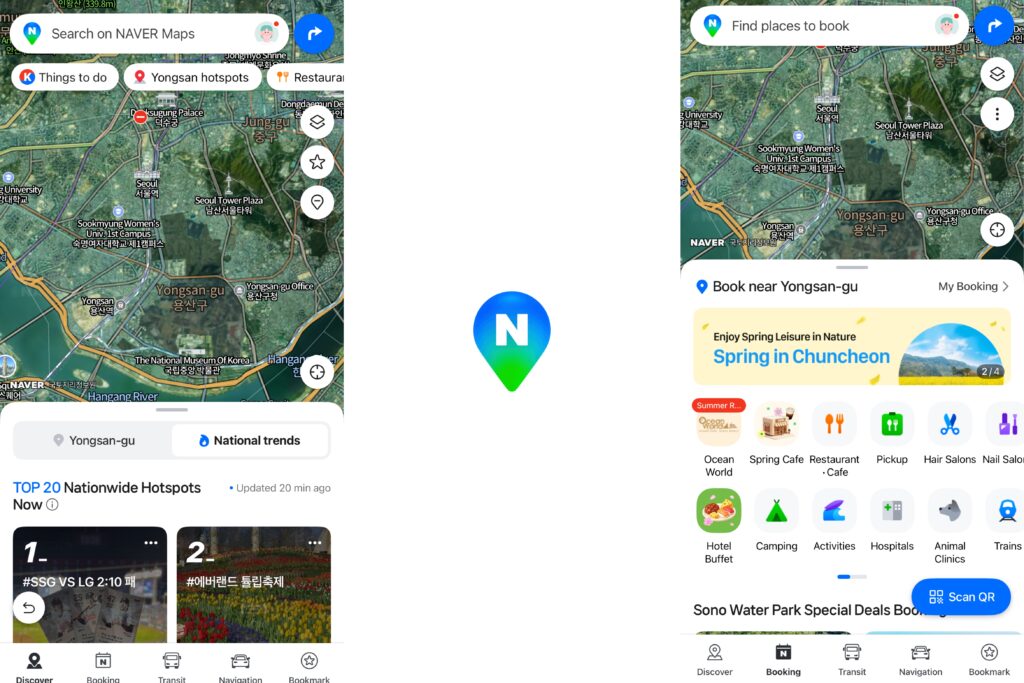
Want to get more out of Naver Map? Read our full guide: How to Create a Naver Account and Best Ways to Use It
Best Transportation & Taxi Apps in Seoul
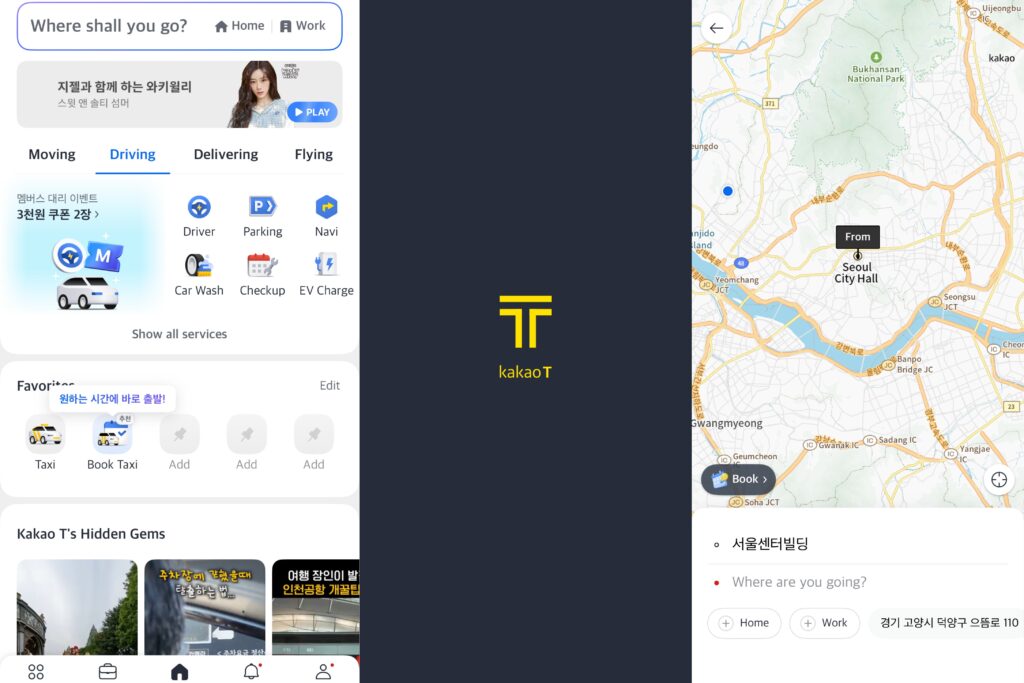
Kakao T
Two apps from the same Kakao family — one for taxis, the other for the subway.
Kakao T is the app you’ll need from the moment you land. Whether you’re arriving at Incheon Airport late at night or heading back from dinner in Hongdae, it lets you hail a taxi in English, see the estimated fare upfront, and track your driver in real time, no Korean required.
With around 90% of Korea’s taxi-hailing market, it’s the most reliable option by far. No Korean bank card needed, select Pay to Driver and settle by cash or credit card on arrival. Base fares start at ₩4,800, late-night surcharges (10PM–2AM) add 20–40%. For seamless in-app payment with a foreign card, the companion app K.ride (also by Kakao) is worth downloading as a backup.
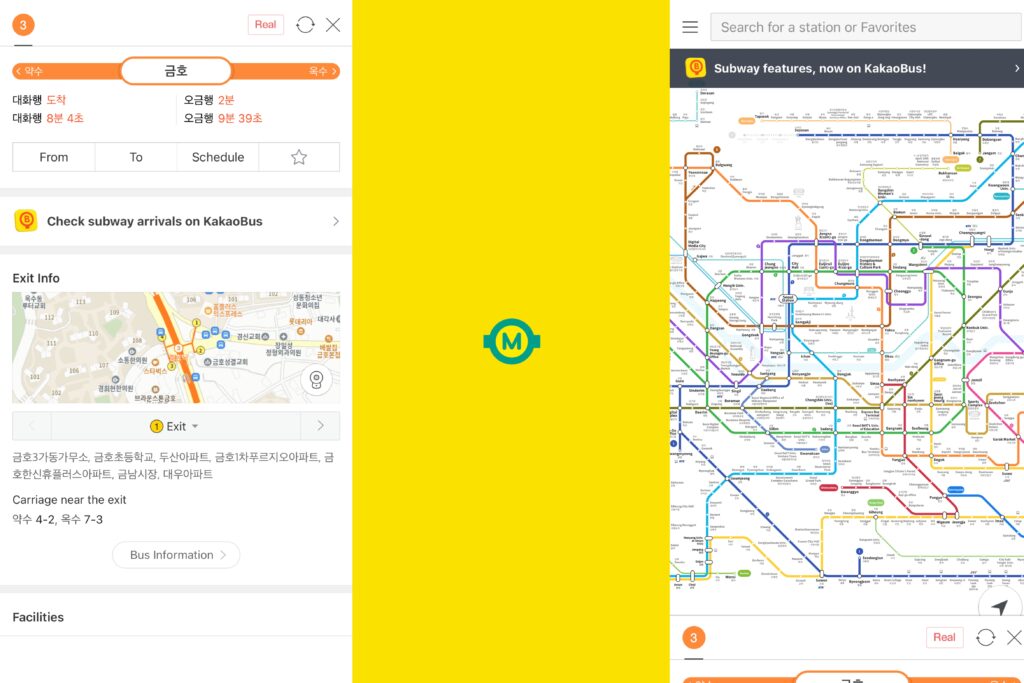
KakaoMetro
KakaoMetro tells you which train car to board so you exit right next to your transfer escalator or destination exit — a small detail that saves a surprising amount of time on Seoul’s 9-line network. It covers Seoul, Busan, Daegu, Gwangju, and Daejeon, with real-time delay alerts and crowdedness indicators.
All Available on: iOS | Android
Mobile T-money
You probably know the physical T-money card — it’s the transit card you tap on the subway and bus. The good news is it’s now on your phone too, and as of 2026, foreigners can actually use it.
Download the Mobile T-money GO app, follow the prompts to create a digital card, and add it to Apple Wallet or Samsung Pay. A March 2026 update added a “Foreigner” button to the login screen specifically to bypass the sign-in process for tourists — no Korean phone number or social security number needed.
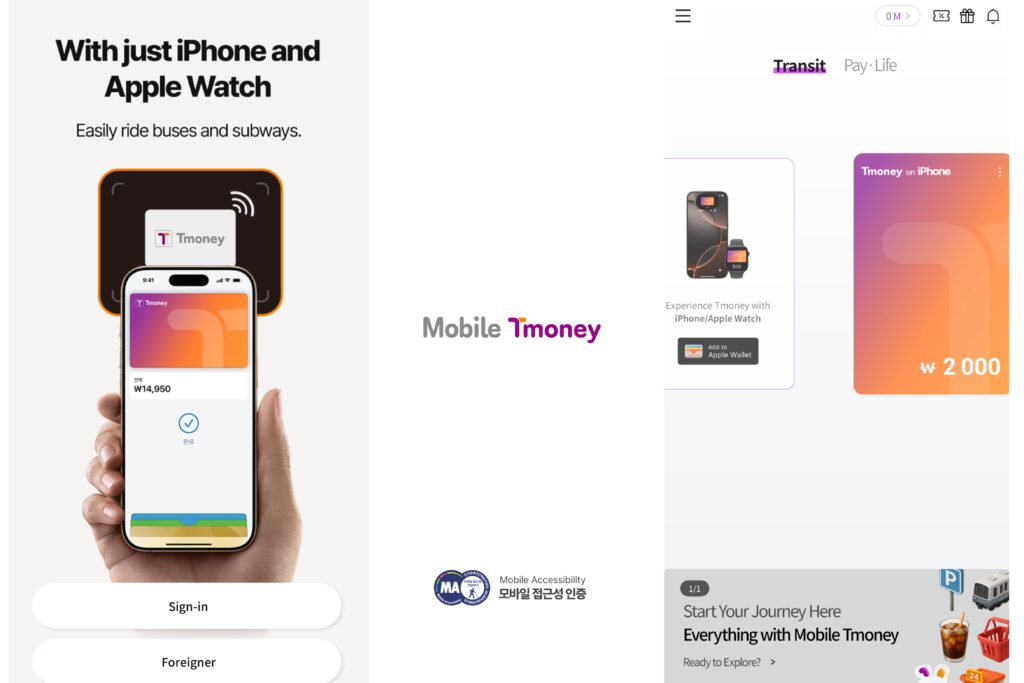
Note: Top-ups currently accept MasterCard, American Express, and Union Pay — but not Visa. Visa cardholders will still need to top up with cash at subway station kiosks. There’s also a roughly 4% service fee when loading through Apple Pay. If none of that works for your setup, the physical T-money card is always an option and available at any convenience store.
Also check out other transportation articles in South Korea !
Best Translation & Communication Apps for Korea
kaokaoTalk
Used by over 92% of Koreans daily. Many guesthouses, Airbnb hosts, and local restaurants communicate through KakaoTalk rather than email, and it supports 16 languages including English. Free calls and messages over Wi-Fi are a bonus when you’re trying to keep roaming costs down.

All Available on: iOS | Android
Papago Translate
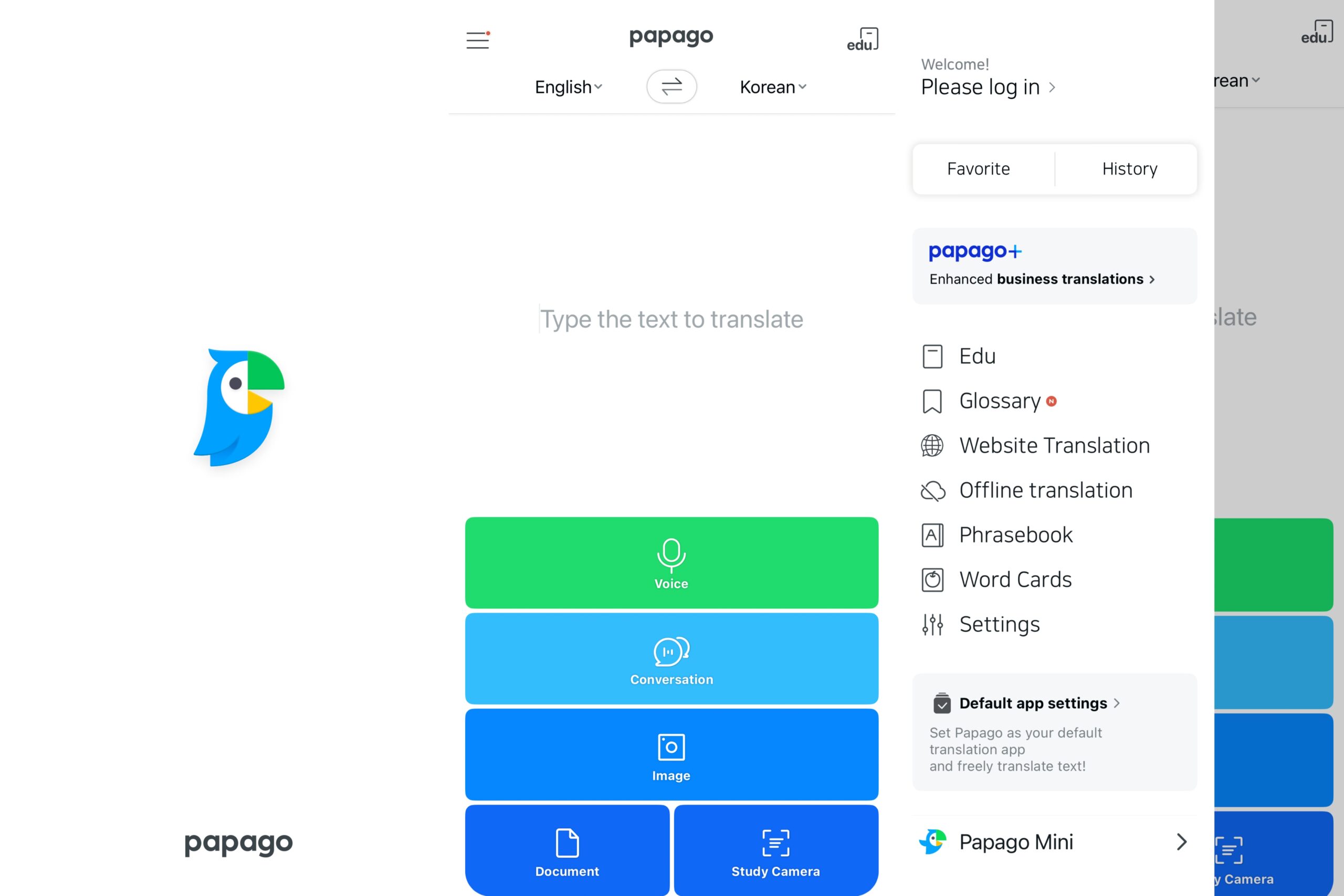
Papago is the best translation app for Korean, developed by Naver and designed specifically with Korean nuances in mind. It supports 14 languages and covers everything you need: text, voice, image, and even handwriting translation.
Point your camera at a menu or street sign and it translates instantly. Offline translation and a real-time conversational mode make it useful well beyond the tourist areas.
Best Accommodation Apps for Seoul
Airbnb
Still the easiest way to find short-term stays in Seoul, from guesthouses to full apartments and villas. Browse photos, read reviews, and message hosts directly — most communicate in English.
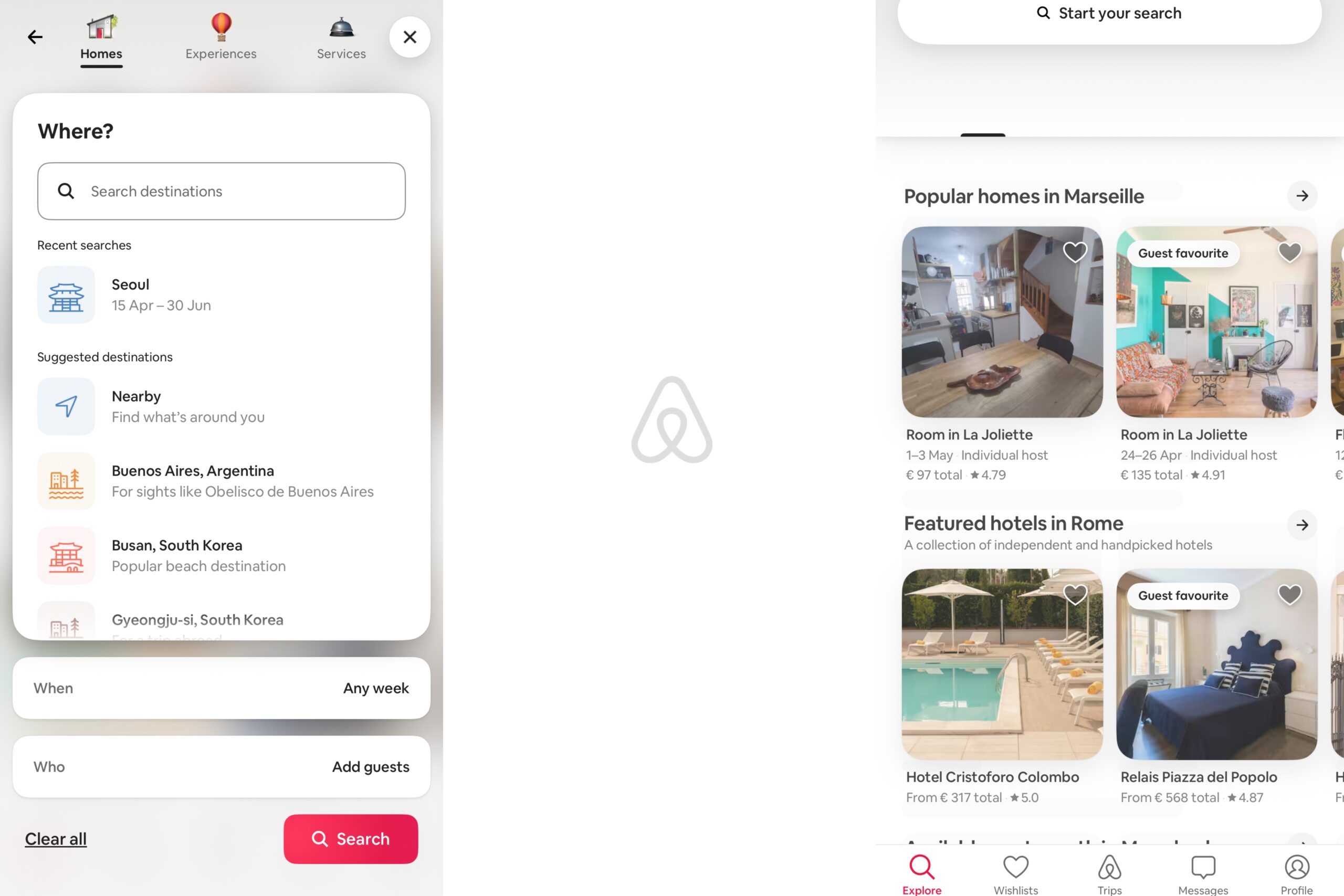
Important 2026 update: Korean regulations now restrict studio apartments and officetels from being listed as short-term rentals. When booking, look for houses, villas, or apartments (not studios/officetels) to avoid last-minute cancellations.
Note: Host cancellation policies, available dates, and house rules may only be listed in Korean.
33m2
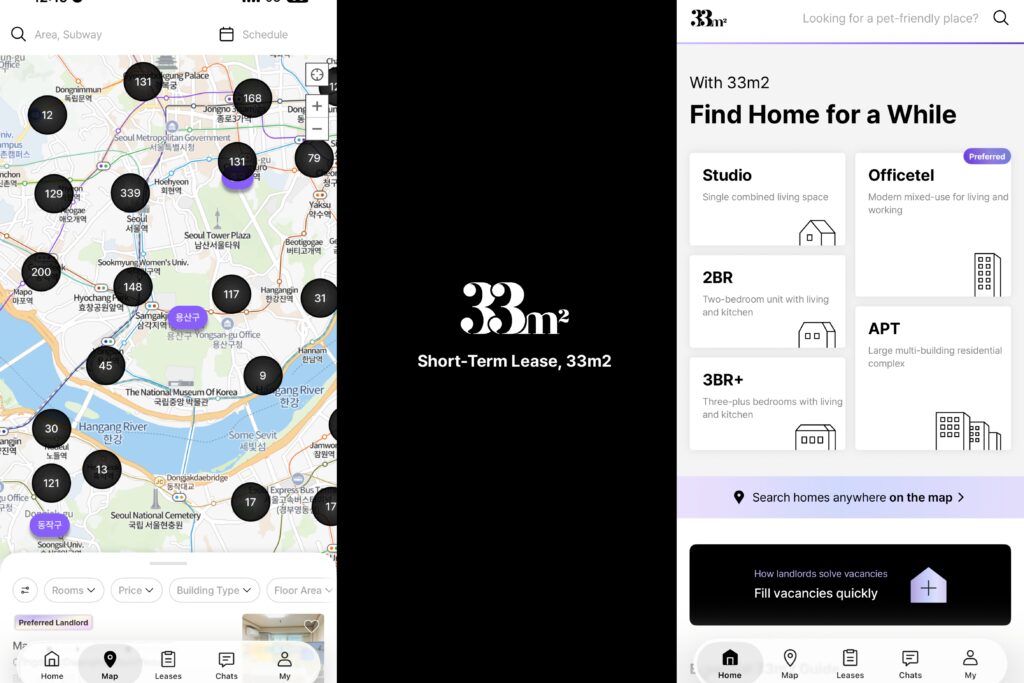
If you want to live more like a local and spend less doing it, 33m2 is the app Koreans actually use to find short-term stays. Listings are cheaper than Airbnb across the board, deposits are lower, and maintenance fees are more often bundled into the price. You’re also more likely to find spots in residential neighborhood that never make it onto Airbnb at all.
To know: Prices are in Korean won (KRW, ₩) and many hosts only speak Korean. Communicating through Papago works fine, the savings usually make it worth the extra step.
Best Food & Dining Apps for Seoul 2026
Catch table
Seoul’s restaurant scene is one of the best in the world and one of the hardest to get into. Catch Table Global is Korea’s no.1 restaurant reservation platform and the only one built so tourists can book without a Korean phone number or Alien Registration Card (ARC).
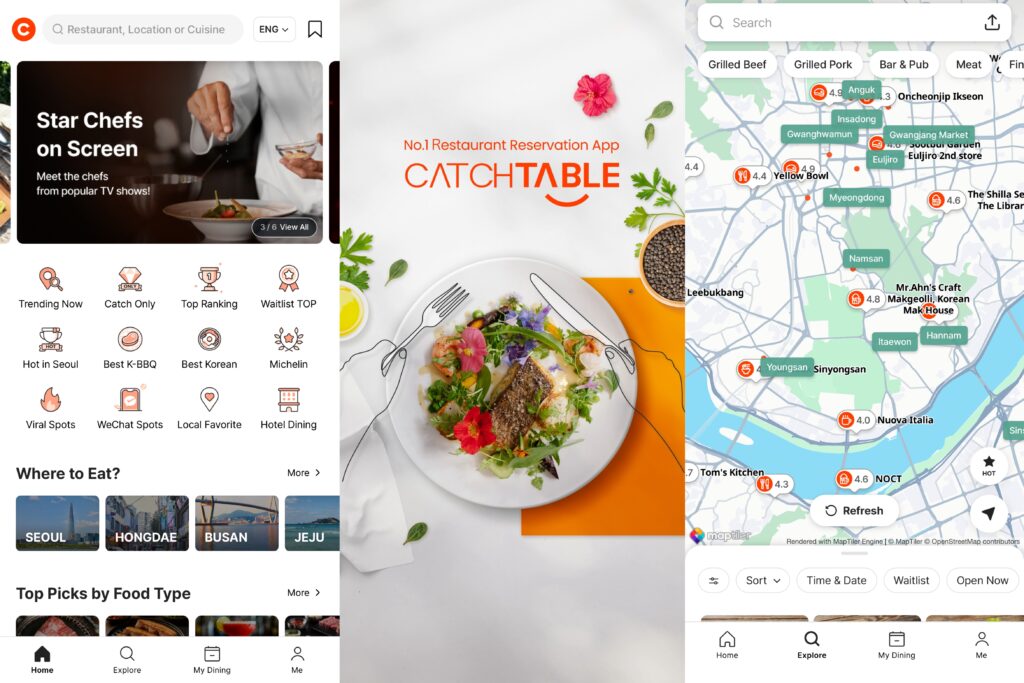
Sign up with a Google or Apple ID, browse 2,000+ verified restaurants, from Michelin-starred spots to the trendy places that are always fully booked and pay a deposit with a foreign credit card. The remote wait-list feature lets you join the queue for walk-in spots like London Bagel Museum without standing in line. Available in English, Japanese, Simplified Chinese, and Traditional Chinese.
Worth knowing: Many popular spots require a deposit. Under Korean Fair Trade Commission rules, no-show penalties can reach up to 40% of your estimated bill, treat it like a real reservation.
Shuttle
Most Korean food delivery apps (Baemin, Coupang Eats) are Korean-only and require a local phone number. Shuttle is built for foreigners: fully English, no local number needed, wide range of options from Korean BBQ to Italian, Mexican, and Middle-Eastern.
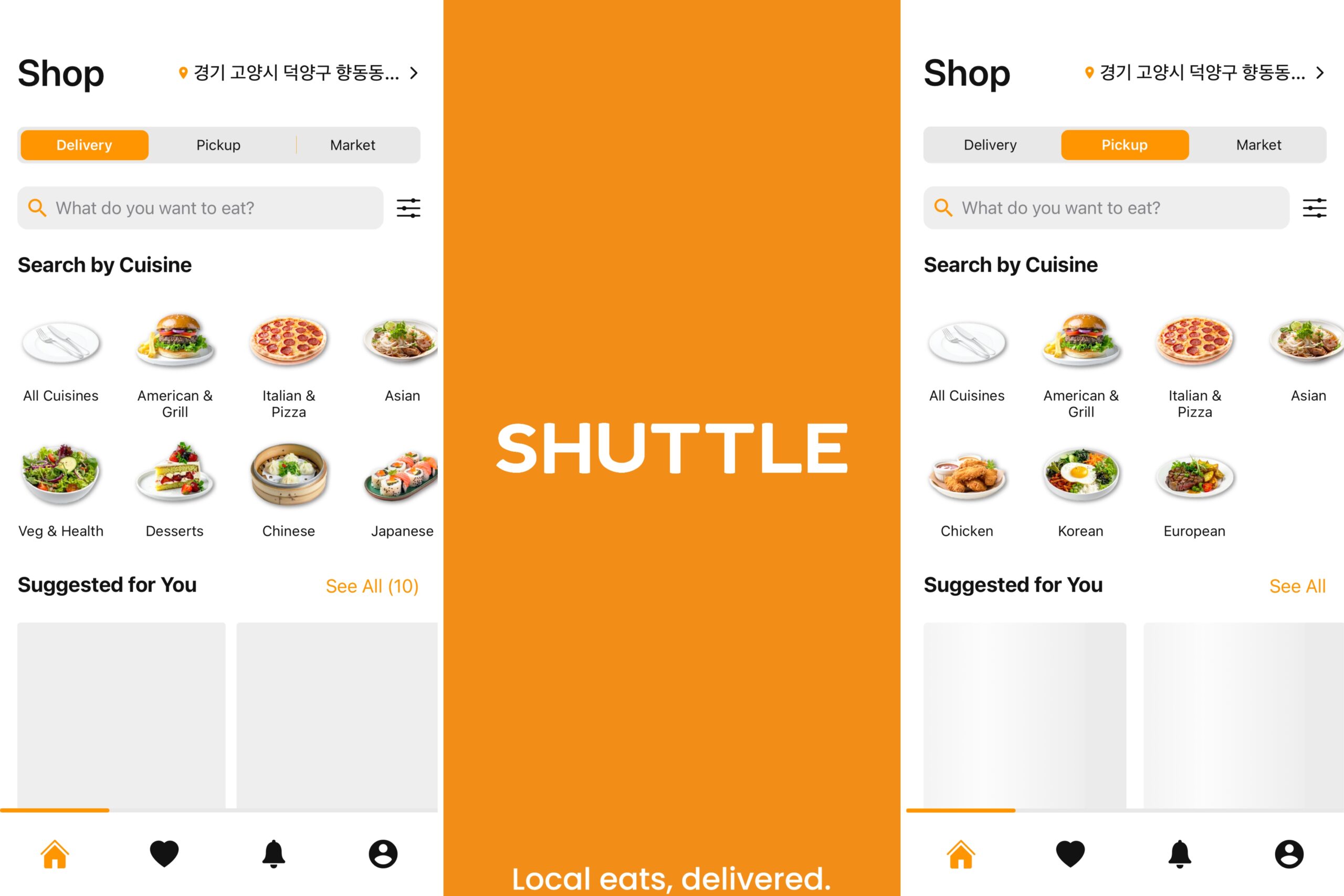
Have your Korean delivery address ready when ordering — restaurants only deliver within their district (gu).
Use this link when you sign up to get 4,000 KRW off your first order!
Available Year-round 7 Days a Week
10:00 am – 10:00 pm
Best Shopping, Activities & Delivery Apps
Klook
For booking activities, a DMZ tour, a Han River kayak session, tickets to Lotte World. Klook has the deepest inventory of Seoul experiences of any platform, and booking is instant with international cards.
It’s also where to buy a Korea eSIM before you land.
The data-only eSIM activates instantly via QR code, no phone number, no physical SIM, no airport carrier counter needed. Plans run from 1 to 30 days with 5G speeds. The practical choice for short stays or anyone who wants data the moment they land, before sorting a longer-term SIM.
Coupang
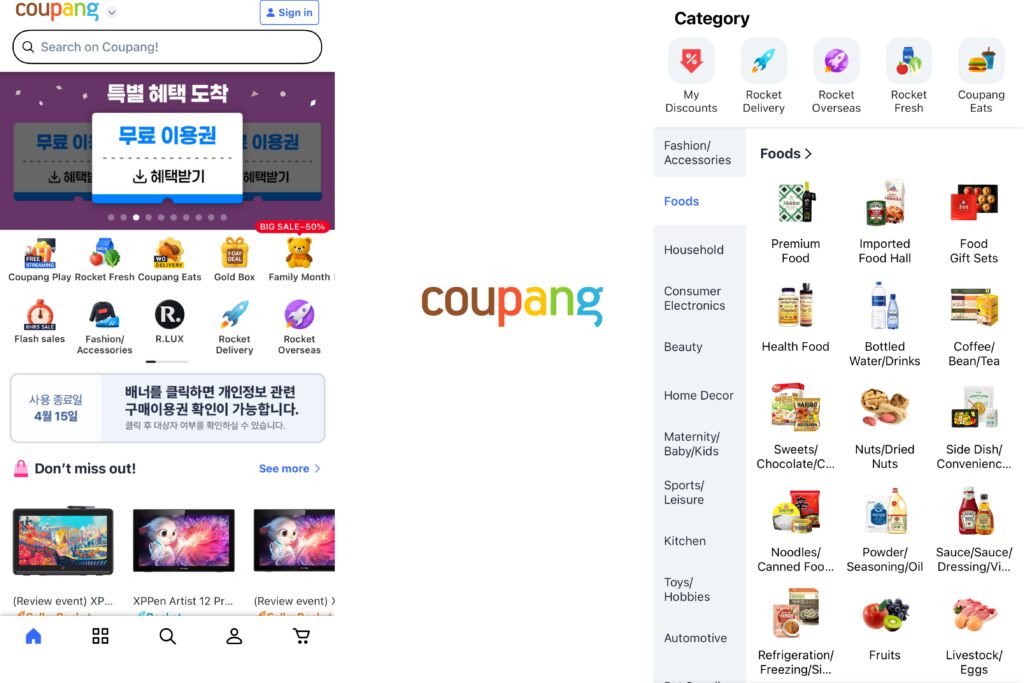
Think of it as Korea’s Amazon and it earns the comparison. Coupang’s “Rocket Delivery*” gets most orders to your door by 7 AM the next day if you order before midnight, and a significant chunk arrive same-day. Whether you need a phone charger, convenience store snacks, K-beauty products, or groceries for your Airbnb, Coupang probably has it cheaper and faster than walking to a store.
If you already know what you need, the easiest way to start is to search items on Coupang directly below. You can use this search box* to look up groceries, travel basics, beauty products, home items, or last-minute essentials without leaPR meaning in seoving this page:
*Disclaimer: This sections contains affiliate links and search box to Coupang. As a Coupang Partner, we earn a commission from qualifying purchases made through these links, at no extra cost to you.
In May 2025, Coupang rolled out an English interface in its app, and users can switch to it through My Coupang → Language → English. Foreign credit and debit cards are supported, but you still need a Korean delivery address and a valid phone number to register, which can be your hotel or Airbnb in some cases according to expat usage guides
Best for: Longer stays (a week or more) where you’re stocking up or need something delivered fast. For tourists on quick trips, the physical convenience stores and markets often make more sense.
We hope these applications will make your trip to Seoul much more enjoyable! If there’s one we missed, leave a comment below. For more long‑term apps, see our Top 11 Apps for Living in South Korea !